Mode d’emploi Agfa AP1100 Imprimante photo

Besoin d'un mode d’emploi pour votre Agfa AP1100 Imprimante photo ? Ci-dessous, vous pouvez consulter et télécharger gratuitement le mode d’emploi PDF en français. Ce produit a actuellement 1 question fréquemment posée, 0 commentaires et a 2 votes avec une note moyenne du produit de 50/100. Si ce n'est pas le mode d’emploi que vous souhaitez, veuillez nous contacter.

Votre produit est défectueux et le mode d’emploi n’offre aucune solution ? Rendez-vous à un Repair Café pour obtenir des services de réparation gratuits.

Mode d’emploi

Loading…
1
ENGLISH
Welcome
Thank you for purchasing our new photo printer. With this high quality printer you can get the most
out of your digital photos.
The "Crystal Image" and "Red-eye" image optimising functions provide faultless print and copy quality
of your photos.
You will also find the following on the web site www.agfaphotoprinter.com:
print drivers for PCs,
a list of answers to frequently asked questions (FAQ).
Safety instructions and recommendations
Do not install your photo printer in a humid room (bathroom, laundry, kitchen, etc.), or within
1.50 m of a tap or water source, or outside. The printer should be operated within an ambient
temperature range of 10 °C to 35 °C. Your printer should be used at an ambient temperature
of between 15°C and 35°C for optimum printing results.
Do not set up your printer in a dusty environment as dust deposits might adversely affect the
print quality of your photos.
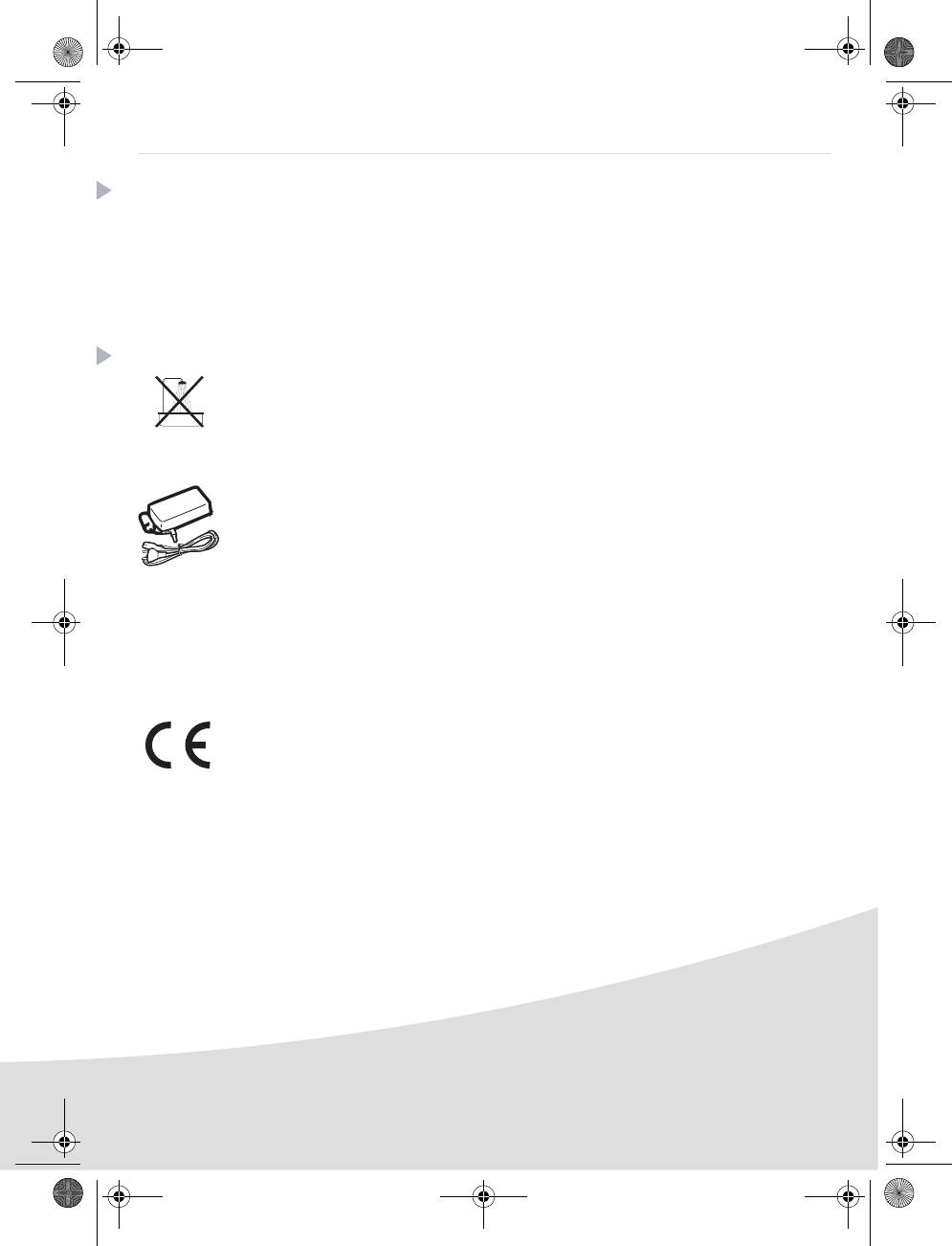
Only use the power supply that is supplied (PF60N24AS0 of Shanghai Moons' Automation
Control Co., Ltd). Connect it to a mains outlet in compliance with the installation instructions in
this booklet and the indications stated on the identification label located on the unit (voltage,
current and frequency of the electricity network). As a precaution, in case of danger, the mains
adapters act as a disconnecting mechanism for the 230V power supply. They should be placed
near the device and should be easily accessible.
Never open the top cover when the printer is operating, as you risk breaking the film that may
result a printer malfunction.
After using the printer, wait a few moments after switching the printer off before opening it. To
avoid injury, never touch the print head.
Only use AgfaPhoto consumables, if not you are likely to damage the equipment and
invalidate the guarantee. To obtain the references of the consumables, refer to paragraph
Consumables, page 7.
The CE marking certifies that the product meets the main requirements of the European
Parliament and Council directive 1999/5/CE on telecommunications terminal equipment,
regarding safety and health of users, and regarding electromagnetic interference.
The declaration of compliance can be consulted on the site www.agfaphotoprinter.com, or
can be requested at the following address:
AGFAPHOTO is used under licence of Agfa-Gevaert AG
AP1100 is produced for Sagem Communication and distributed or sold by Sagem Communication
Sagem Communication - Customer relations department
4, rue du Petit Albi - 95800 Cergy Saint-Christophe - FRANCE
AP1100 n-b.book Page 1 Jeudi, 21. septembre 2006 11:17 11
Télécharger mode d’emploi en Français (PDF, 25.15 MB)
(Tenez compte de l’environnement et imprimez ce manuel uniquement si c’est vraiment nécessaire)

Loading…

Évaluation

Dites-nous ce que vous pensez du Agfa AP1100 Imprimante photo en laissant une note de produit. Vous voulez partager vos expériences avec ce produit ou poser une question ? Veuillez laisser un commentaire au bas de la page.
Etes-vous satisfait du Agfa AP1100 Imprimante photo ?
Oui Non
50%
50%
2 évaluations

Joignez-vous à la conversation sur ce produit

Ici, vous pouvez partager ce que vous pensez du Agfa AP1100 Imprimante photo. Si vous avez une question, lisez d’abord attentivement le mode d’emploi. La demande d’un mode d’emploi peut être effectuée en utilisant notre formulaire de contact.

En savoir plus sur ce mode d’emploi

Nous comprenons qu’il est agréable d’avoir un mode d’emploi papier pour vos Agfa AP1100 Imprimante photo. Vous pouvez toujours télécharger le mode d’emploi depuis notre site Web et l’imprimer vous-même. Si vous souhaitez disposer d’un mode d’emploi original, nous vous recommandons de contacter Agfa. Ils pourront peut-être fournir un mode d’emploi original. Recherchez-vous le mode d’emploi de votre Agfa AP1100 Imprimante photo dans une autre langue ? Choisissez votre langue préférée sur notre page d’accueil et recherchez le numéro de modèle pour voir si nous l’avons disponible.

Caractéristiques

Marque Agfa
Modèle AP1100
Catégorie Imprimantes photo
Type de fichier PDF
Taille du fichier 25.15 MB

Tous les modes d’emploi pour Agfa Imprimantes photo
Plus de modes d’emploi de Imprimantes photo

Foire aux questions sur Agfa AP1100 Imprimante photo

Notre équipe d’assistance recherche des informations utiles sur les produits et des réponses aux questions fréquemment posées. Si vous trouvez une inexactitude dans notre foire aux questions, veuillez nous le faire savoir en utilisant notre formulaire de contact.

Que signifie SD ? Vérifié

SD réfère à Secure Digital. Les cartes SD sont le support de stockage standard pour de nombreux appareils photo numériques.

Cela a été utile (2) En savoir plus
Mode d’emploi Agfa AP1100 Imprimante photo

Produits connexes

Catégories associées

×
Download