EN
- 2 -
User Manual
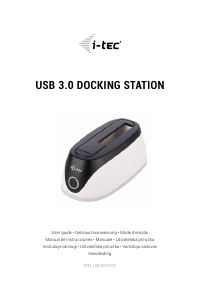
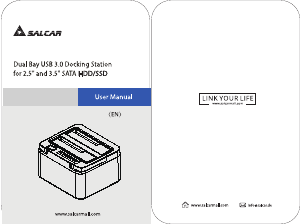
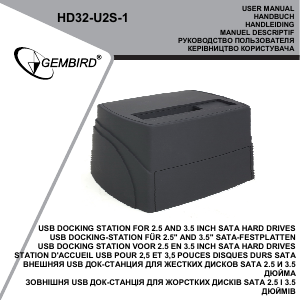
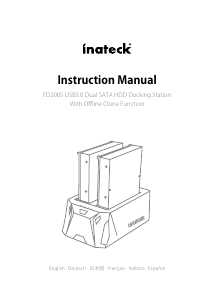
SATA HDD Hard Disk Docking Station
Goobay
®
by Wentronic GmbH | Pillmannstraße 12
38112 Braunschweig | Germany
REV2016-04-29
V1.0
We reserve the right of misprints and changes to
product, packaging or product documentation.
Art. 71825
1 Safety Instructions
• Read the user manual completely and carefully before use.
It is part of the product and contains important information for correct use.
• Keep this user manual.
It must be available for uncertainties and passing the product.
• The product may be used only in easily accessible outlets to quickly
remove it in an emergency and after use.
• Voltage-free only when the plug is pulled.
• In case of emergency, during thunderstorms and after use, pull the pro-
duct on its plug housing!
• Do not open the housing.
• Only let a trained electrical engineer do installation, disassembling, main-
tenace and repairing work.
• Comparethespecicationsofproduct,powersupplyandperipherals.
These must be identical.
• Do not repair defective products by yourself, but contact the dealer or
producer.
• Do not modify or alter product nor accessories.
• Avoid stresses such as heat and cold, moisture and direct sunlight, vibra-
tion and mechanical pressure.
• Only use in dry ambience.
• Risk of injury by stumbling and falling
• Back up your data before each use.
• Disconnect cable connections and power supply not during data trans-
mission.y
2 Description and Function
2.1 Description
This product is a HDD docking station for 2.5“ and 3.5“ hard drives with SATA I/II/III,
HDD and SSD connector, which is connected via USB 3.1 to a PC. The data transfer
via USB 3.1 is backwards compatible with USB 2.0 and 1.1.
2.2 Scope of delivery
Docking station, USB-C adapter cable, Power supply
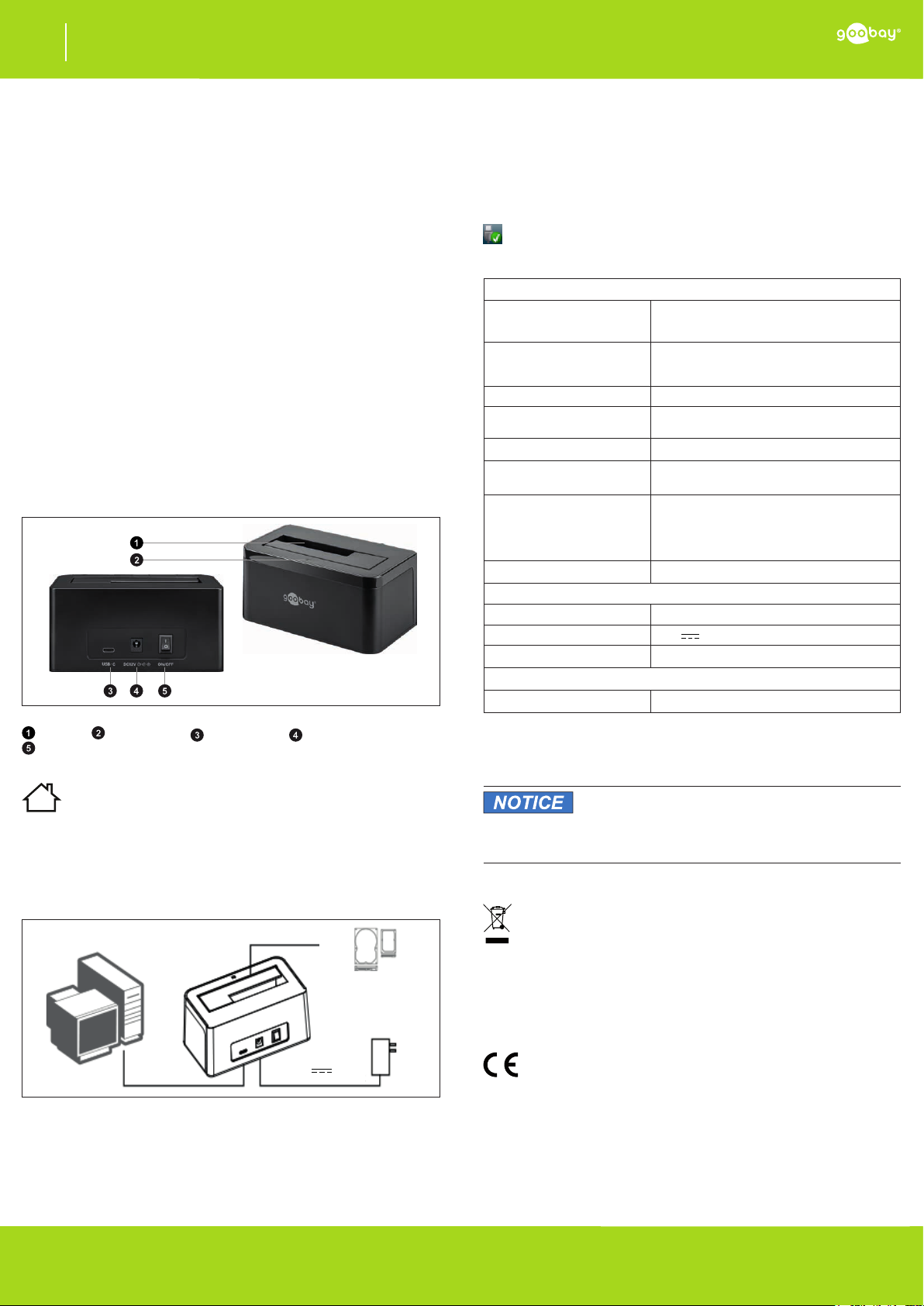
2.3 Operating elements
71825
Fig. 3 : Operating elements
HDD slot Operation LED USB-C socket 12 V PSU connector
ON/OFF switch
3 Intended Use
We do not permit using the device in other ways like described in chapter
Description and Function. Use the product only in dry interior rooms. Not
attending to these regulations and safety instructions might cause fatal
accidents, injuries, and damages to persons and property.
4 Preparing
• Comparethespecicationsofproduct,powersupplyand
peripherals. These must be identical.
• Check the scope of delivery for completeness and integrity.
5 Connecting
12 V 2 A
PC
2.5“
3.5“
SSD
HDD
Fi g. 4: Connecting
1. Setthedockingstationonaatandnon-slippingsurface.
For the use of smaller hard drives no power supply must be connected.
(2. Plug the power supply into the DC port of the docking station
and to a free and easily accessible power outlet.)
Step 2 is necessary for performance problems and interruptions during
reading or writing, otherwise optional.
3. Connect the USB-C adapter cable to the USB-C port on the
docking station and to a free USB-A port on your PC.
4. Switch the docking station and your PC on.
5. Insert a suitable hard drive into the docking station.
6 Reading and writing data
When using the operating systems listed in Chapter 7, no driver installation is neces-
sary. Written and pre-formatted disks can be read and written via plug & play.
New disks must be partitioned and formatted as in the actual installation before use
via the Disk Management.
• Transfer data works via drag & drop between your drives.
• Disconnect connection after successful data transmission
via “Safely remove hardware and eject media.“
7 Specications
Docking Station
Operation LED
not shining: Docking station off / no power
shining:
Docking station ready to use
ashing: Data is transmitted
Connections
1 SATA I/II/III port,
1 USB-C socket,
1 DC socket
Hard drive sizes 2.5/3.5“
Hard drive capacity
Windows XP: max. 2 TB,
otherwise OS dependent 4 TB
supported standards USB 1.1/2.0/3.0/3.1, Plug & Play
Compatible Operating Systems
Windows XP/Vista/7/8/8.1/10 (32/64 bit),
Linux, Mac OS
Data transfer rate
max. 10 Gbit/s (USB 3.1/HDD),
max. 6 Gbit/s (USB 3.1/SATA/SSD),
max. 5 Gbit/s (USB 3.0),
max. 0.48 Gbit/s (USB 2.0),
max. 0.012 Gbit/s (USB 1.1)
Dimensions and weight 138 x 77 x 65 mm, 307 g
Power Supply
Input EURO 100-240 V~, 50/60 Hz, 0.8 A
Output 12 V
, 2 A
Protection class 2
USB-C adapter cable
Connection USB-c plug > USB-A plug
Ta b . 2 : Specications
8 Maintenance and Cleaning
The products are maintenance-free.
Material damage
• Clean only with a dry, soft cloth.
• Do not use cleaning agents and chemicals.
• Store cool and dry.
• Keep and use the original packaging for transport.
9 Disposal Notes
According to the European WEEE directive, electrical and electronic
equipment must not be disposed with consumers waste. Its components
must be recycled or disposed apart from each other. Otherwise contami
native and hazardous substances can pollute our environment.
As a consumer, you are committed by law to dispose electrical and electronic de-
vices to the producer, the dealer, or public collecting points at the end of the devices
lifetime for free. Particulars are regulated in national right. The symbol on the pro-
duct, in the user`s manual, or at the packaging alludes to these terms. With this kind
of waste separation, application, and waste disposal of used devices you achieve an
important share to environmental protection.
10 EU Declaration of Conformity
With the CE sign, Goobay
®
, a registered trademark of the Wentronic
GmbH ensures, that the product is conformed to the basic European
standards and directives.


Joignez-vous à la conversation sur ce produit
Ici, vous pouvez partager ce que vous pensez du Goobay 71825 Station d'accueil disque dur. Si vous avez une question, lisez d’abord attentivement le mode d’emploi. La demande d’un mode d’emploi peut être effectuée en utilisant notre formulaire de contact.