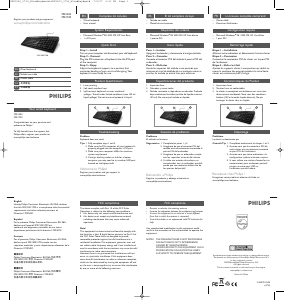
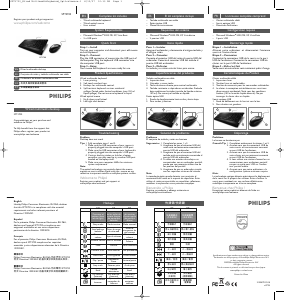
Mode d’emploi Philips SPT1700BC Clavier

Besoin d'un mode d’emploi pour votre Philips SPT1700BC Clavier ? Ci-dessous, vous pouvez consulter et télécharger gratuitement le mode d’emploi PDF en français. Ce produit a actuellement 2 questions fréquemment posées, 0 commentaires et 0 votes. Si ce n'est pas le mode d’emploi que vous souhaitez, veuillez nous contacter.

Votre produit est défectueux et le mode d’emploi n’offre aucune solution ? Rendez-vous à un Repair Café pour obtenir des services de réparation gratuits.

Mode d’emploi

Loading…
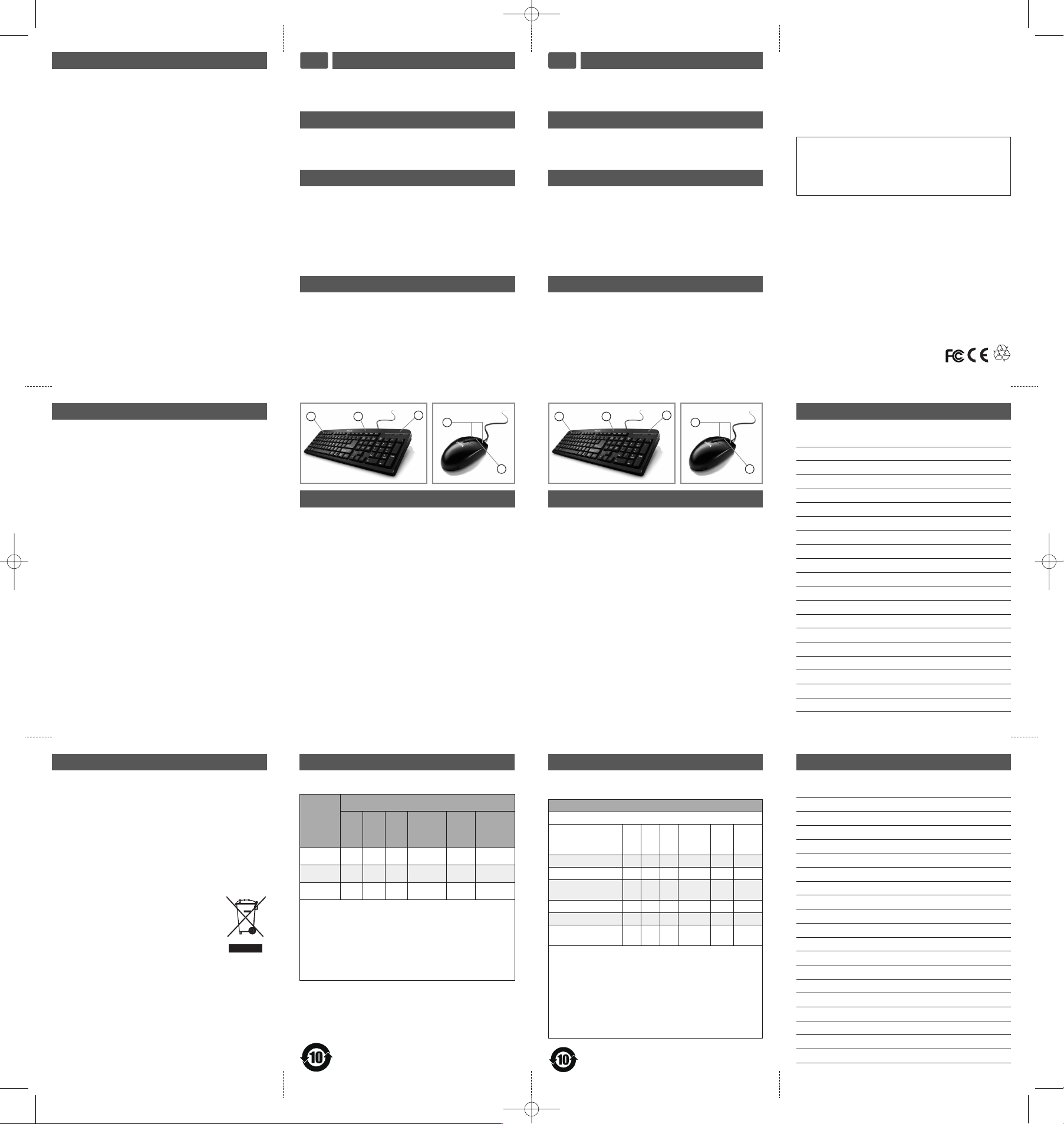
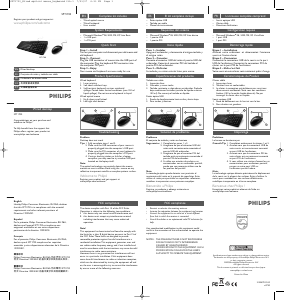
整套装包括
C
S
光学 USB 鼠标
有线键盘
使用手冊
快速入门
步骤 1 安装
打开电脑并拔出原鼠标和原键盘。
步骤 2 连接
将鼠标的 U
SB
连接器插入电脑的 U
SB
接口。将键盘
P
S2
连接器插入电脑的 P
S2
接口。
3
您的鼠标和键盘现在可以使用。
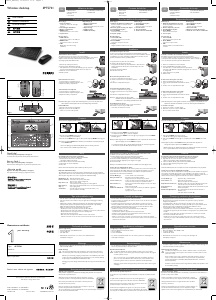
速安裝
1
啟動您的電腦並拔除您的舊滑鼠和舊鍵盤。
2 連接
將滑鼠的 U
SB
連接器插入電腦的 U
SB
埠。將鍵盤的
PS2 連接器插入電腦的 PS2 埠。
3
您現在可開始使用您的滑鼠和鍵盤。
整套裝包括
C
T
USB 光學滑鼠
有線鍵盤
使用手冊
Notes
Notes
产品规格
有线键盘
1
. 激光打印。
2
. 软触感舒适按键。
3. 防泼溅键盘可以应付意外液体泼溅带来的损害。
限测试(最大 150ml 液体泼溅)。禁止将键盘浸
于水中。
USB 鼠标
1. 上下滚轮。
2
. 左右手均适合
產品規格
有線鍵盤
1
. 雷射列印。
2
. 輕觸感舒適按鍵。
3. 鍵盤防水設計,避免意外濺灑帶來的損害。在特定
境下測試 (最多 150ml 液體潑濺)。請勿將鍵盤浸
泡在液體中。
U
SB光學滑鼠
1
. 上下滾輪。
2. 左右手皆適用。
故障排除
问题
面套装不工作
1. 完成步骤 1 2
2. 确保鼠标的 USB 连接器正确插入电脑的 USB
接口。
3. 确保键盘的 PS2 连接器正确插入电脑的 PS2
接口。
4. 如果笔记本电脑使用扩展坞或网络集线器,
您可能需要试着使用笔记本电脑的其他 USB
接口。
注:
光学技术能精确检测鼠标在大多表面上的移动。避
免在任何反光的、透明金属的或复杂样式的表面使
用笔记本鼠标。
欢迎访问飞利浦!
通过此网站注册您的产品并获得支持:
www.philips.com/welcome
故障檢修
問題
盤滑鼠組無法正常操作
指示 1. 完成第 1 步和第 2 步。
2
. 確定滑鼠的 USB 連接器已正確插入電腦的
USB 埠。
3. 確定鍵盤的 PS2 連接器已正確插入電腦的
PS2 埠。
4. 如果您使用的是筆記型電腦上的擴充基座或
集線器,您可能需要嘗試筆記型電腦上的其
USB 埠。
注意:
光學感應技術可精確感應滑鼠在大部份表面上的動
作。請避免在任何反射性、透明金屬或樣式複雜的
表面上使用此筆記型電腦滑鼠。
歡迎來到飛利浦!
在以下位置註冊您的產品並獲得支援:
www.philips.com/welcome
E
MF
E
lectric-, Magnetic and Electromagnetic Fields (EMF)
1
. Philips Royal Electronics manufactures and sells many
p
roducts targeted at consumers, which, like any
electronic apparatus, in general have the ability to emit
a
nd receive electro magnetic signals.
2
. One of Philips’ leading Business Principles is to take all
n
ecessary health and safety measures for our products,
to comply with all applicable legal requirements and to
s
tay well within the EMF standards applicable at the
t
ime of producing products.
3
. Philips is committed to develop, produce and market
products that cause no adverse health effects.
4. Philips confirms that if its products are handled properly
f
or their intended use, they are safe to use according to
s
cientific evidence available today.
5
. Philips plays an active role in the development of inter-
national EMF and safety standards, enabling Philips to
a
nticipate further developments in standardization for
e
arly integration in its products.
RoHS information - keyboard
Health Warning
I
mproper work habits when using of a keyboard or mouse
m
ay result in discomfort or serious injury such as strain to
your hands, wrists or other parts of your body.
Whether you are working or playing, it is important to
a
void awkward postures and position your body comfort-
a
bly. Not only can this improve your overall productivity, it
may help you avoid MSDs (Musculoskeletal Disorders).
Changing your posture during extended tasks may also help
y
ou avoid discomfort and fatigue.
Guarantee certificate 质保书
y
ear warranty
质保
11
T
ype:
S
PT1700
S
erial nr:
_______________________________________
D
ate of Purchase 购买日期
__________________________________________
Dealer’s name, address and signature 销售商名称, 地址及签字
__________________________________________
w
ww.philips.com/welcome
This document is printed on chlorine free produced paper.
D
ata subject to change without notice
Printed in China
Environmental Information
Disposal of your old product
Your product is designed and manufactured with high
quality materials and components, which can be recycled
and reused.
When this crossed-out wheeled bin symbol is attached to a
product it means the product is covered by the European
Directive 2002/96/EC.
Please inform yourself about the local separate collection
system for electrical and electronic products.
Please act according to your local rules and do
not dispose of your old products with your
normal household waste. The correct disposal
of your old product will help prevent potential
negative consequences for the environment and
human health.
产品中有毒有害物质或元素的名称及含量
根据中国《电子信息产品污染控制管理办法》
键盘
有毒有害物质或元素
部件名称
(Pb)
(Hg)
(Cd)
六价锐
(Cr (VI))
多溴
联苯
(PBB)
多溴
二苯醚
(PBDE)
电缆 Cable
X
O O O O O
电路板组件 PWAs
X
O O O O O
塑料部件
Plastic parts
O O O O O O
薄膜 Membrane
O O O O O O
金属部Metal parts
X
O O O O O
橡胶圆盖
Rubber dome
O O O O O O
O =
量均在 SJ/T11363-2006 标准规定的限量要求以下。
X =
量超出 SJ/T11363-2006 标准规定的限量要求。
表中标有 “X” 的所有部件都符合欧盟 RoHS 法规
欧洲议会和欧盟理事会 2003 1 27 日关于电子电
器设备中限制使用某些有害物质的 2002/95/EC 号指令
注: 保使用期限的参考标取决于产品正常工作的温度
温度等条件
系统要求
Microsoft Windows
®
9
8, 2000, ME, XP, Vista basic
1 USB 端口
1 PS2 端口
系統要求
Microsoft Windows
®
9
8, 2000, ME, XP, Vista basic
1 x USB 接口
1 x PS2 接口
3
21
1
2
3
21
1
2
RoHS information - mouse
产品中有毒有害物质或元素的名称及含量
部件名称
有毒有害物质或元素
(Pb)
(Hg)
(Cd)
六价锐
(Cr (VI))
多溴
联苯
(PBB)
多溴
二苯醚
(PBDE)
塑料 O
O O O O O
PCB
O O O O O O
电子零件
X
O O O O O
O: 示该有毒有害物质在该部件所有均质材料中的含
均在 SJ/T11363-2006 准规定的限量要求以下
X:
中的含量超出 SJ/T11363-2006 标准规定的限量要
求。但符合欧盟豁免表准。部分电子陶瓷零件含铅。
[lead in electronic ceramic parts (e.g. piezoelectronic
devices)] 。
SPT1700_Wired optical mouse_keyboard 6th:1 7/23/07 4:23 PM Page 5
Télécharger mode d’emploi en Français (PDF, 0.49 MB)
(Tenez compte de l’environnement et imprimez ce manuel uniquement si c’est vraiment nécessaire)

Loading…

Évaluation

Dites-nous ce que vous pensez du Philips SPT1700BC Clavier en laissant une note de produit. Vous voulez partager vos expériences avec ce produit ou poser une question ? Veuillez laisser un commentaire au bas de la page.
Etes-vous satisfait du Philips SPT1700BC Clavier ?
Oui Non
Soyez le premier à évaluer ce produit
0 évaluations

Joignez-vous à la conversation sur ce produit

Ici, vous pouvez partager ce que vous pensez du Philips SPT1700BC Clavier. Si vous avez une question, lisez d’abord attentivement le mode d’emploi. La demande d’un mode d’emploi peut être effectuée en utilisant notre formulaire de contact.

En savoir plus sur ce mode d’emploi

Nous comprenons qu’il est agréable d’avoir un mode d’emploi papier pour vos Philips SPT1700BC Clavier. Vous pouvez toujours télécharger le mode d’emploi depuis notre site Web et l’imprimer vous-même. Si vous souhaitez disposer d’un mode d’emploi original, nous vous recommandons de contacter Philips. Ils pourront peut-être fournir un mode d’emploi original. Recherchez-vous le mode d’emploi de votre Philips SPT1700BC Clavier dans une autre langue ? Choisissez votre langue préférée sur notre page d’accueil et recherchez le numéro de modèle pour voir si nous l’avons disponible.

Caractéristiques

Marque Philips
Modèle SPT1700BC
Catégorie Claviers
Type de fichier PDF
Taille du fichier 0.49 MB

Tous les modes d’emploi pour Philips Claviers
Plus de modes d’emploi de Claviers

Foire aux questions sur Philips SPT1700BC Clavier

Notre équipe d’assistance recherche des informations utiles sur les produits et des réponses aux questions fréquemment posées. Si vous trouvez une inexactitude dans notre foire aux questions, veuillez nous le faire savoir en utilisant notre formulaire de contact.

Les lettres sur le clavier ne sont pas dans les endroits auxquels je suis habitué, pourquoi est-ce que c’est ainsi ? Vérifié

La plupart des claviers utilisent une disposition QWERTY, représentant les six premières lettres du clavier. Cependant, il existe différentes configurations de clavier, correspondant aux besoins spécifiques d’une langue donnée. Il est également possible que les touches du clavier aient été permutées. Surtout avec des claviers plus anciens, c’est facile à faire.

Cela a été utile (1353) En savoir plus

Quelle est la meilleure façon de nettoyer mon clavier ? Vérifié

N'insérez jamais d'objets entre les bords des touches, car cela fera surtout entrer de la saleté, ce qui risque d'endommager le clavier. Il vaut mieux nettoyer le clavier à l'air comprimé tout en tenant le clavier à l'envers. Le haut des touches peut être nettoyé avec un chiffon légèrement humide.

Cela a été utile (198) En savoir plus
Mode d’emploi Philips SPT1700BC Clavier

Produits connexes

Catégories associées

×
Download