Mode d’emploi Rotel RCD-991 Lecteur CD

Besoin d'un mode d’emploi pour votre Rotel RCD-991 Lecteur CD ? Ci-dessous, vous pouvez consulter et télécharger gratuitement le mode d’emploi PDF en français. Ce produit a actuellement 1 de question fréquemment posée, 0 de commentaires et 0 votes. Si ce n'est pas le mode d’emploi que vous souhaitez, veuillez nous contacter.

Votre produit est défectueux et le mode d’emploi n’offre aucune solution ? Rendez-vous à un Repair Café pour obtenir des services de réparation gratuits.

Mode d’emploi

Loading…
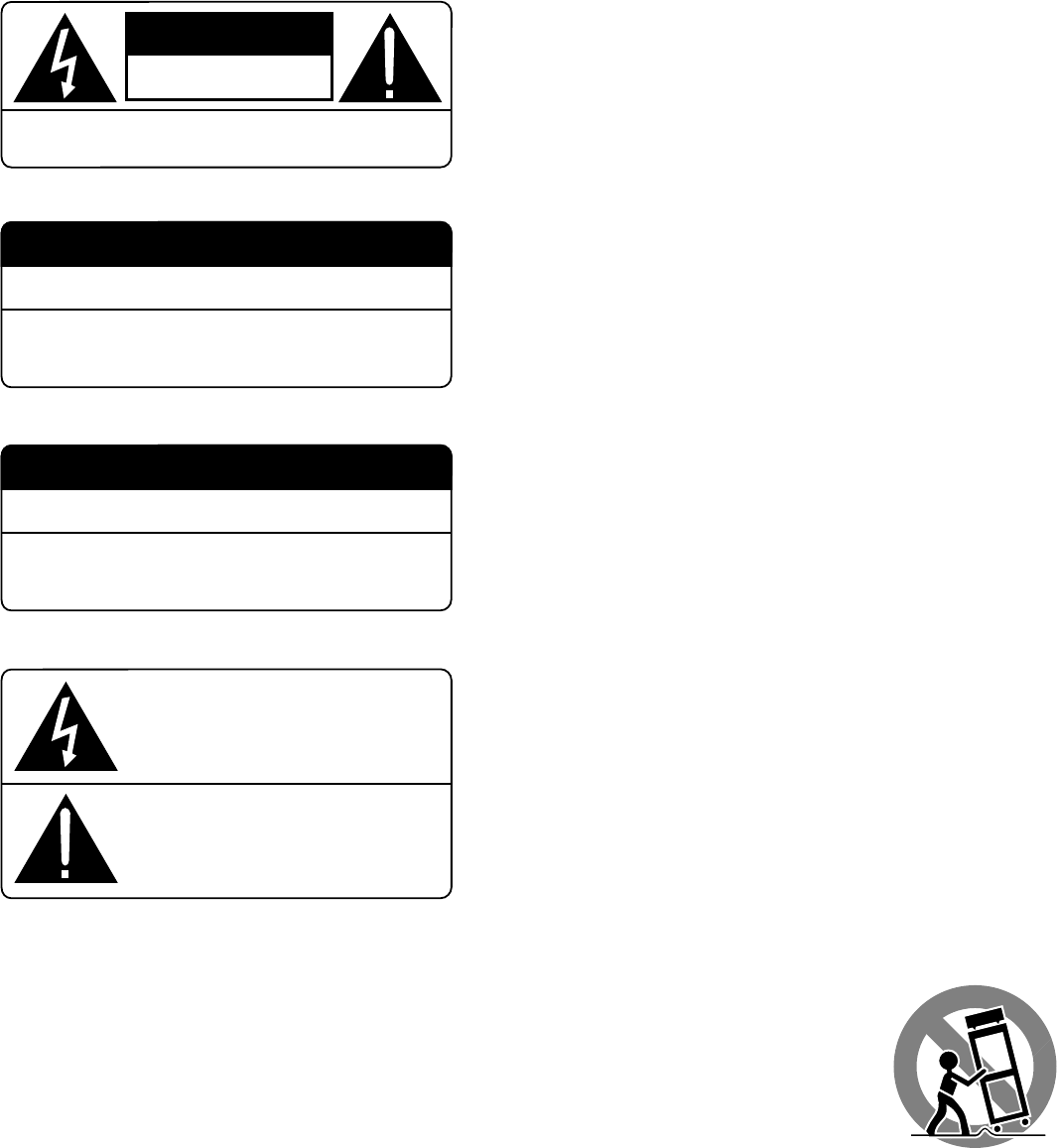
CAUTION: TO PREVENT ELECTRIC SHOCK, MATCH WIDE BLADE
OF PLUG TO WIDE SLOT. INSERT FULLY.
APPLICABLE FOR USA, CANADA OR WHERE
APPROVED FOR THE USAGE
ATTENTION: POUR EVITER LES CHOCS ELECTRIQUES,
INTRODUIRE LA LAME LA PLUS LARGE DE LA FICHE
DANS LA BORNE CORRESPONDANTE DE LA PRISE ET
POUSSER JUSQU AU FOND.
CAUTION
RISK OF ELECTRIC SHOCK
DO NOT OPEN
CAUTION: TO REDUCE THE RISK OF ELECTRIC SHOCK, DO
NOT REMOVE COVER. NO USER-SERVICEABLE PARTS INSIDE.
REFER SERVICING TO QUALIFIED SERVICE PERSONNEL.
WARNING:
There are no user serviceable parts inside. Refer all servicing to
qualified service personnel.
WARNING:
To reduce the risk of fire or electric shock, do not expose the unit
to moisture or water. Do not allow foreign objects to get into the
enclosure. If the unit is exposed to moisture, or a foreign object
gets into the enclosure, immediately disconnect the power cord
from the wall. Take the unit to a qualified service person for in-
spection and necessary repairs.
Read all the instructions before connecting or operating the component. Keep
this manual so you can refer to these safety instructions.
Heed all warnings and safety information in these instructions and on the
product itself. Follow all operating instructions.
Clean the enclosure only with a dry cloth or a vacuum cleaner.
Keep the ventilation inlets on the unit unobstructed. For example, do not place
the unit on a bed, sofa, rug, or similar surface that could block the ventilation
slots. If the component is placed in a bookcase or cabinet, there must be suffi-
cient clearance around the unit and ventilation of the cabinet to allow proper
cooling.
Keep the component away from radiators, heat registers, stoves, or any other
appliance that produces heat.
The unit must be connected to a power supply only of the type and voltage
specified on the rear panel of the unit.
Connect the component to the power outlet only with the supplied power sup-
ply cable or an exact equivalent. Do not modify the supplied cable in any way.
Do not attempt to defeat grounding and/or polarization provisions. The cable
should be connected to a 2-pin polarized wall outlet, matching the wide blade
of the plug to the wide slot of the receptacle. Do not use extension cords.
Do not route the power cord where it will be crushed, pinched, bent at severe
angles, exposed to heat, or damaged in any way. Pay particular attention to the
power cord at the plug and where it exits the back of the unit.
The power cord should be unplugged from the wall outlet if the unit is to be left
unused for a long period of time.
Immediately stop using the component and have it inspected and/or serviced
by a qualified service agency if:
The power supply cord or plug has been damaged.
Objects have fallen or liquid has been spilled into the unit.
The unit has been exposed to rain.
The unit shows signs of improper operation
The unit has been dropped or damaged in any way
Place the unit on a fixed, level surface strong
enough to support its weight. Do not place it on a
moveable cart that could tip over.
This symbol is to alert the user to the
presence of uninsulated dangerous
voltages inside the product's enclosure
that may constitute a risk of electric shock.
This symbol is to alert the user to important
operating and maintenance (service)
instructions in this manual and literature
accompanying the product.
DANGER: INVISIBLE LASER RADIATION WHEN YOU OPEN THE
TOP COVER. AVOID DIRECT EXPOSURE TO LASER BEAM.
CLASS 1 LASER PRODUCT
Complies with DHHS 21 CFR 1040.10 and 1040.11
CAUTION: USE OF CONTROLS OR ADJUSTMENTS OR
PERFORMANCE OF PROCEDURES OTHER THAN THOSE
SPECIFIED IN THIS MANUAL MAY RESULT IN HAZARDOUS
RADIATION EXPOSURE.
Télécharger mode d’emploi en Français (PDF, 0.55 MB)
(Tenez compte de l’environnement et imprimez ce manuel uniquement si c’est vraiment nécessaire)

Loading…

Évaluation

Dites-nous ce que vous pensez du Rotel RCD-991 Lecteur CD en laissant une note de produit. Vous voulez partager vos expériences avec ce produit ou poser une question ? Veuillez laisser un commentaire au bas de la page.
Etes-vous satisfait du Rotel RCD-991 Lecteur CD ?
Oui Non
Soyez le premier à évaluer ce produit
0 évaluations

Joignez-vous à la conversation sur ce produit

Ici, vous pouvez partager ce que vous pensez du Rotel RCD-991 Lecteur CD. Si vous avez une question, lisez d’abord attentivement le mode d’emploi. La demande d’un mode d’emploi peut être effectuée en utilisant notre formulaire de contact.

En savoir plus sur ce mode d’emploi

Nous comprenons qu’il est agréable d’avoir un mode d’emploi papier pour vos Rotel RCD-991 Lecteur CD. Vous pouvez toujours télécharger le mode d’emploi depuis notre site Web et l’imprimer vous-même. Si vous souhaitez disposer d’un mode d’emploi original, nous vous recommandons de contacter Rotel. Ils pourront peut-être fournir un mode d’emploi original. Recherchez-vous le mode d’emploi de votre Rotel RCD-991 Lecteur CD dans une autre langue ? Choisissez votre langue préférée sur notre page d’accueil et recherchez le numéro de modèle pour voir si nous l’avons disponible.

Caractéristiques

Marque Rotel
Modèle RCD-991
Catégorie Lecteurs CD
Type de fichier PDF
Taille du fichier 0.55 MB

Tous les modes d’emploi pour Rotel Lecteurs CD
Plus de modes d’emploi de Lecteurs CD

Foire aux questions sur Rotel RCD-991 Lecteur CD

Notre équipe d’assistance recherche des informations utiles sur les produits et des réponses aux questions fréquemment posées. Si vous trouvez une inexactitude dans notre foire aux questions, veuillez nous le faire savoir en utilisant notre formulaire de contact.

Puis-je moi-même réparer des rayures sur un CD ? Vérifié

Les rayures empêchent le laser de lire le disque correctement. Lorsque les rayures ne sont que superficielles, il est possible de les réparer soi-même en polissant le disque avec un composé légèrement abrasif. Idéalement, vous utilisez un composé abrasif professionnel, mais vous pouvez également utiliser un dentifrice ordinaire. Après avoir poli le disque, il faut le laver et laisser sécher. Il existe des entreprises spécialisées qui peuvent le faire.

Cela a été utile (42) En savoir plus
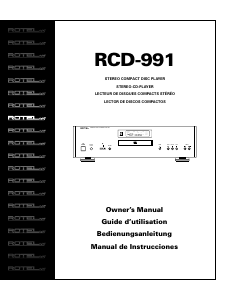
Mode d’emploi Rotel RCD-991 Lecteur CD

Produits connexes

Catégories associées

×
Download