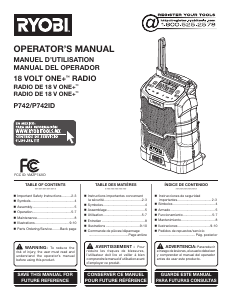
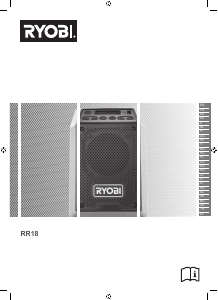
Mode d’emploi Ryobi RR18-0 Radio

Besoin d'un mode d’emploi pour votre Ryobi RR18-0 Radio ? Ci-dessous, vous pouvez consulter et télécharger gratuitement le mode d’emploi PDF en français. Ce produit contient actuellement 2 de questions fréquemment posées, 1 de commentaire et 0 votes. Si ce n'est pas le mode d’emploi que vous souhaitez, veuillez nous contacter.

Votre produit est défectueux et le mode d’emploi n’offre aucune solution ? Rendez-vous à un Repair Café pour obtenir des services de réparation gratuits.

Mode d’emploi

Loading…
Safety, performance, and dependability have been given
top priority in the design of your radio.
INTENDED USE
The radio is intended for reception of analog broadcasting,
and streaming audio from BLUETOOTH enabled devices.
Through USB connection, the product can recharge USB
devices.
Do not use the product for any other purpose.
RADIO SAFETY WARNINGS
Never disassemble or modify the product in any way.
Do not use the product near water.
Do not place the product near any heat sources, such
as radiators, heat registers, stoves, or other products
(including amplifiers) that produce heat.
Do not cover ventilation openings with items, such as
newspapers, table-cloths, curtains, etc.
Do not place the product in closed bookcases or racks
without proper ventilation.
Disposal of a battery into fire or a hot oven, or
mechanically crushing or cutting of a battery, can result
in an explosion.
Leaving a battery in an extremely high temperature
surrounding environment can result in an explosion or
the leakage of flammable liquid or gas.
A battery subjected to extremely low air pressure may
result in an explosion or the leakage of flammable liquid
or gas.
ADDITIONAL BATTERY SAFETY WARNINGS
To reduce the risk of fire, personal injury, and product
damage due to a short circuit, never immerse your tool,
battery pack or charger in fluid or allow a fluid to flow
inside them. Corrosive or conductive fluids, such as
seawater, certain industrial chemicals, and bleach or
bleach-containing products, etc., can cause a short circuit.
TRANSPORTING LITHIUM BATTERIES
Transport the battery in accordance with local and national
provisions and regulations.
Follow all special requirements on packaging and labelling
when transporting batteries by a third party. Ensure that
no batteries can come in contact with other batteries
or conductive materials while in transport by protecting
exposed connectors with insulating, non-conductive caps or
tape. Do not transport batteries that are cracked or leaking.
Check with the forwarding company for further advice.
KNOW YOUR PRODUCT
See page 58.
1. Power/mode button
2. LCD display
3. USB charging port
4. Arrow buttons
5. Preset station button
6. Play/pause button
7. Volume buttons
8. Carrying handle
9. Battery port
10. Operators manual
11. Charger
12. Battery pack
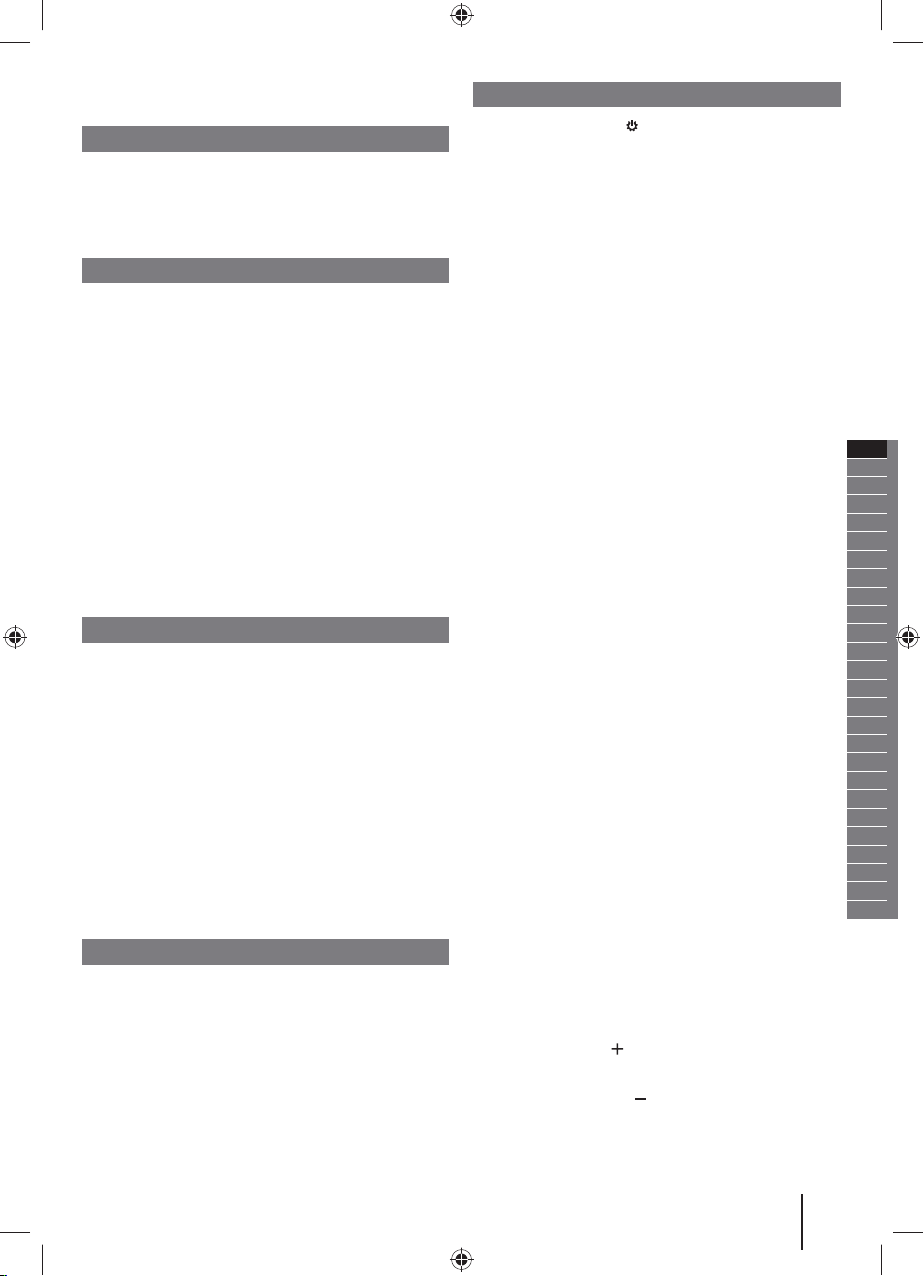
CONTROL BUTTONS
POWER/MODE BUTTON
Press and hold the power/mode button for two seconds
to turn the product on and off.
Press the power/mode button briefly to cycle between
modes.
Mode selection
Press the power/mode button to cycle through modes.
BLUETOOTH mode
AM/FM mode
NOTE: When turned on, the radio will return to the last
mode that was used.
BLUETOOTH mode
Press the power/mode button until the BLUETOOTH
screen appears. The radio will begin searching for a
previously paired device. “bt” will begin blinking in the
LCD display.
If the paired device is not available, “bt” will blink
continuously.
To pair a device with the radio, select “RYOBI RR18” on
the BLUETOOTH capable device.
When the device has successfully paired with the radio,
“bt” will stop blinking in the LCD display.
Once the device has successfully paired with the radio,
use the controls on the BLUETOOTH capable device
to move through tracks and control volume, or press
the arrow buttons on the radio to go to the previous or
next track. Press the play/pause button to play/pause
streamed audio.
NOTE: These controls may not be supported by the
BLUETOOTH device and/or streaming application being
used.
If a device disconnects with the radio, the BLUETOOTH
indicator will flash until another device pairs to the radio.
To disconnect the current device to allow connection to
another BLUETOOTH enabled device, press and hold
the play/pause button. The radio will then be in pair
mode and can be connected to a different device.
NOTE: The product will turn off in half an hour if no audio
has been streamed in BLUETOOTH mode. Turn on the
product to resume operation.
AM/FM mode
Press the power/mode button until the AM or FM
appears on the LCD display.
Press the left arrow button to tune to a lower frequency.
Press the right arrow button to tune to a higher
frequency. Briefly push either button (not press and
hold) to tune one frequency step at a time. Press and
hold the desired arrow button for one second to tune to
the next frequency with clear reception.
VOLUME UP BUTTON
Use the volume up button to increase volume.
VOLUME DOWN BUTTON
Use the volume down button to decrease volume.
3
Original Instructions
ENGLISH
EN
FR
DE
ES
IT
NL
PT
DA
SV
FI
NO
RU
PL
CS
HU
RO
LV
LT
ET
HR
SL
SK
BG
UK
TR
EL
Télécharger mode d’emploi en Français (PDF, 2.7 MB)
(Tenez compte de l’environnement et imprimez ce manuel uniquement si c’est vraiment nécessaire)

Loading…

Évaluation

Dites-nous ce que vous pensez du Ryobi RR18-0 Radio en laissant une note de produit. Vous voulez partager vos expériences avec ce produit ou poser une question ? Veuillez laisser un commentaire au bas de la page.
Etes-vous satisfait du Ryobi RR18-0 Radio ?
Oui Non
Soyez le premier à évaluer ce produit
0 évaluations

Joignez-vous à la conversation sur ce produit

Ici, vous pouvez partager ce que vous pensez du Ryobi RR18-0 Radio. Si vous avez une question, lisez d’abord attentivement le mode d’emploi. La demande d’un mode d’emploi peut être effectuée en utilisant notre formulaire de contact.

boinet jACQUES 22-10-2023
Malgré les croquis, je ne comprend pas comment conserver les choix de fréquences

répondre | Cela a été utile (0)

En savoir plus sur ce mode d’emploi

Nous comprenons qu’il est agréable d’avoir un mode d’emploi papier pour vos Ryobi RR18-0 Radio. Vous pouvez toujours télécharger le mode d’emploi depuis notre site Web et l’imprimer vous-même. Si vous souhaitez disposer d’un mode d’emploi original, nous vous recommandons de contacter Ryobi. Ils pourront peut-être fournir un mode d’emploi original. Recherchez-vous le mode d’emploi de votre Ryobi RR18-0 Radio dans une autre langue ? Choisissez votre langue préférée sur notre page d’accueil et recherchez le numéro de modèle pour voir si nous l’avons disponible.

Caractéristiques

Marque Ryobi
Modèle RR18-0
Catégorie Radios
Type de fichier PDF
Taille du fichier 2.7 MB

Tous les modes d’emploi pour Ryobi Radios
Plus de modes d’emploi de Radios

Foire aux questions sur Ryobi RR18-0 Radio

Notre équipe d’assistance recherche des informations utiles sur les produits et des réponses aux questions fréquemment posées. Si vous trouvez une inexactitude dans notre foire aux questions, veuillez nous le faire savoir en utilisant notre formulaire de contact.

Qu’est-ce que DAB+ ? Vérifié

DAB+ est le successeur du signal FM et signifie « Digital Audio Broadcasting. » (radiodiffusion sonore numérique). Il s’agit d'un signal numérique autorisant plusieurs chaînes dans la même bande passante et permettant un changement plus facile entre les chaînes.

Cela a été utile (302) En savoir plus

Quelle est la différence entre FM et AM ? Vérifié

FM et AM sont deux formes de modulation utilisées pour transmettre un signal. FM signifie « Frequency Modulation » (modulation de fréquence) et « AM » signifie « Amplitude Modulation » (modulation d’amplitude. AM est la plus ancienne forme de modulation. La plus grande différence réside dans le fait que le signal FM est bien plus fort que le signal AM.

Cela a été utile (243) En savoir plus
Mode d’emploi Ryobi RR18-0 Radio

Produits connexes

Catégories associées

×
Download