English -
2
English
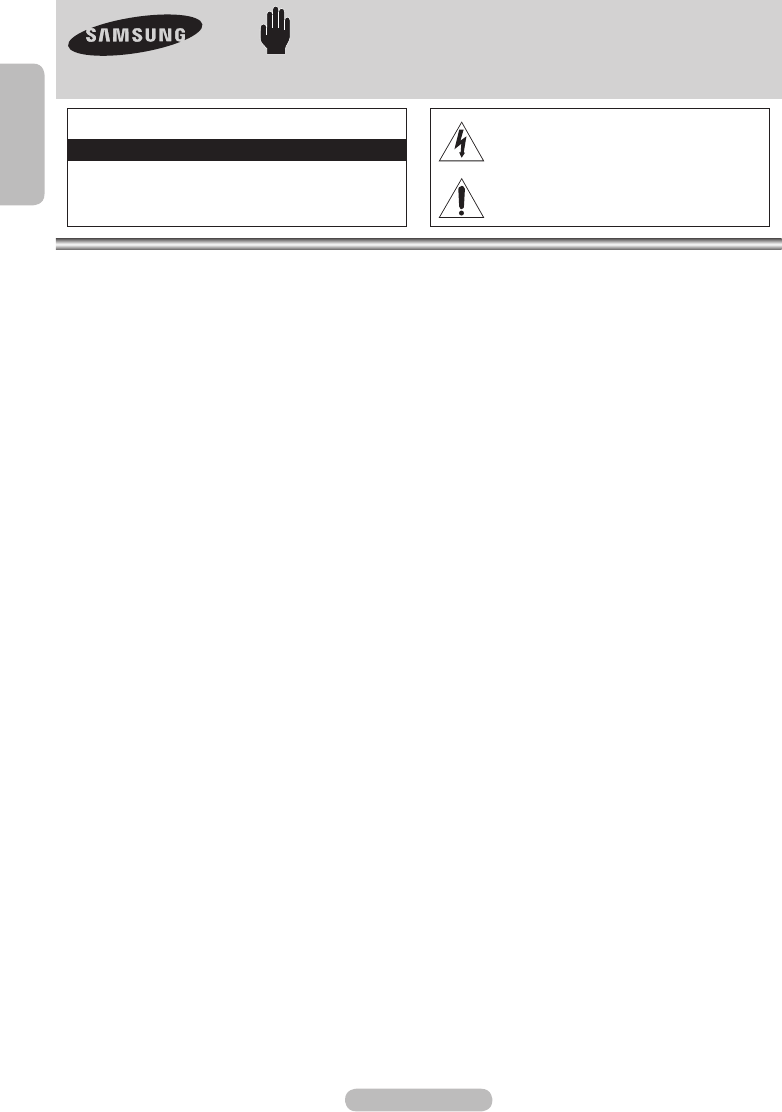
Warning! Important Safety Instructions
(Please read the appropriate section that corresponds to the marking on your Samsung product
before attempting to install the product.)
CAUTION
RISK OF ELECTRIC SHOCK DO NOT OPEN
CAUTION: TO REDUCE THE RISK OF ELECTRIC
SHOCK, DO NOT REMOVE COVER (OR BACK).
THERE ARE NO USER SERVICEABLE PARTS INSIDE.
REFER ALL SERVICING TO QUALIFIED PERSONNEL.
This symbol indicates that high voltage is
present inside. It is dangerous to make any kind
of contact with any internal part of this product.
This symbol alerts you that important literature
concerning operation and maintenance has
been included with this product.
• Insert the power plug firmly into the wall outlet to avoid risk of fire.
• Do not use a damaged power cord, power plug or loose outlet. There is a danger of electric shock or fire.
• Do not touch the power cord with wet hands, as there is a risk of electric shock.
• Do not connect more than one electric appliance to a single power outlet. There may be risk of fire.
• Do not bend or pull the power cord excessively and do not place a heavy object over the power cord.
There may be risk of fire.
• Do not place candles, mosquito-repellent or cigarettes over the product. There may be risk of fire.
• Do not install the product on a shelf or a cabinet so that the front end of the product extends out of the shelf or
cabinet. A falling product may cause injury or damage the product.
• Keep the product away from any heating devices. There may be a danger of electric shock or fire.
• Do not install the product in a location exposed to oil, smoke, water (such as rain drops), dust or moisture, or in a
vehicle. There is a danger of electric shock and fire.
• Do not install the product in a badly ventilated place such as a bookshelf or closet. There may be a danger of fire.
• Do not install to an unstable place such as a stand which is smaller than the product. Children playing may cause the
product to fall and may cause injury.
• Before moving the product, make sure to turn the power off and disconnect the power cord from the wall outlet.
In addition, make sure to disconnect the aerial and connection cables from the other devices before moving the
product. There may be a danger of electric shock and fire if moving the product with the power cord connected to
the wall outlet.
• This product is guaranteed for the contents provided by Samsung only.
FCC Class A Notice
This device complies with part 15 of the FCC Rules. Operation is subject to the following two conditions:
1. This device may not cause harmful interference, and
2. This device must accept any interference received, including interference that may cause undesired operation.
NOTE: This equipment has been tested and found to comply with the limits for a Class A digital device, pursuant to Part 15 of
the FCC Rules. These limits are designed to provide reasonable protection against harmful interference when the equipment
is operated in a commercial environment. This equipment generates, uses, and can radiate radio frequency energy and, if
not installed and used in accordance with the instruction manual, may cause harmful interference to radio communications.
Operation of this equipment in a residential area is likely to cause harmful interference in which case the user will be required
to correct the interference at his own expense.
User Information
Changes or modifications not expressly approved by the party responsible for compliance could void the user's authority to
operate the equipment. If necessary, consult with your dealer or an experienced radio/television technician for additiona
suggestions. You may find the booklet called How to Identify and Resolve Radio/TV Interference Problems helpful.
This booklet was prepared by the Federal Communications Commission. It is available from the U.S. Government Printing
Office. Washington, DC 20402, Stock Number 004-000-00345-4.
The party responsible for product compliance:
SAMSUNG ELECTRONICS CO., LTD.
America QA Lab of Samsung
3351 Michelson Drive
Suite #290, Irvine, CA92612 USA
Warning
User must use shielded signal interface cables to maintain FCC compliance for the product.
Provided with this monitor is a detachable power supply cord with IEC320 style terminations.
It may be suitable for connection to any UL Listed personal computer with similar configuration.
Before making the connection, make sure the voltage rating of the computer convenience outlet is the same as the monitor
and that the ampere rating of the computer convenience outlet is equal or exceeds the monitor voltage rating.
For 120 Volt applications, use only UL Listed detachable power cord with NEMA configuration 5-15P type(parallel blades)
plug cap. For 240 Volt applications use only UL Listed detachable power supply cord with NEMA configuration 6015P type
(tandem blades) plug cap.
This television receiver provides display of television closed captioning in accordance with Section 15.119 of the FCC rules.
(TV broadcast receivers with picture screens 13 inches or larger in diameter models only)
Helios2_MR 16SB2_Eng.indd 2 2007-08-29 ¿ÀÈÄ 6:04:51


Joignez-vous à la conversation sur ce produit
Ici, vous pouvez partager ce que vous pensez du Samsung MR-16SB2 Lecteur multimédia. Si vous avez une question, lisez d’abord attentivement le mode d’emploi. La demande d’un mode d’emploi peut être effectuée en utilisant notre formulaire de contact.
répondre | Cela a été utile (0) (Traduit par google)